
通过互联网重新安装CentOS、Debian、Ubuntu、Windows 2003、720008R2、2012R2、2016、2019和其他系统(不断增加),并可以通过安装远程网络ISO安装任何系统。
 MeowLove
50d2c19ba8
Version 4.0.10
MeowLove
50d2c19ba8
Version 4.0.10
|
5 жил өмнө | |
|---|---|---|
| CoreFiles | 5 жил өмнө | |
| CoreShell | 5 жил өмнө | |
| background | 5 жил өмнө | |
| LICENSE | 7 жил өмнө | |
| Network-Reinstall-System-Modify.sh | 5 жил өмнө | |
| README.md | 5 жил өмнө |
README.md
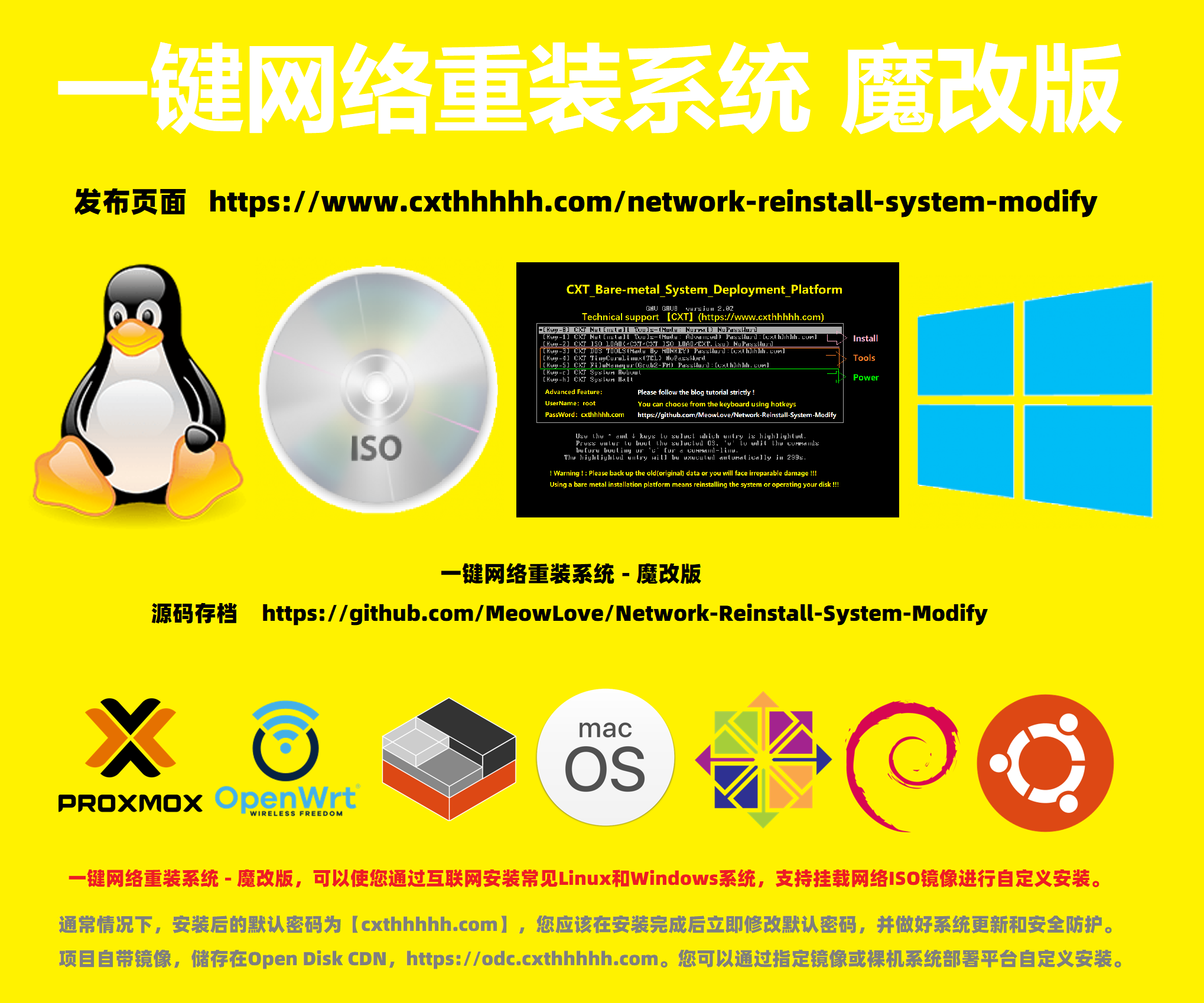
一键网络重装系统 - 魔改版
(Network-Reinstall-System-Modify)
通过互联网重新安装Linux和Windows以及常用操作系统。
(Reinstall Linux and Windows and Common Operating Systems through the Internet.)







迎大家加入,一起维护【一键网络重装系统】项目,构建更好的系统。
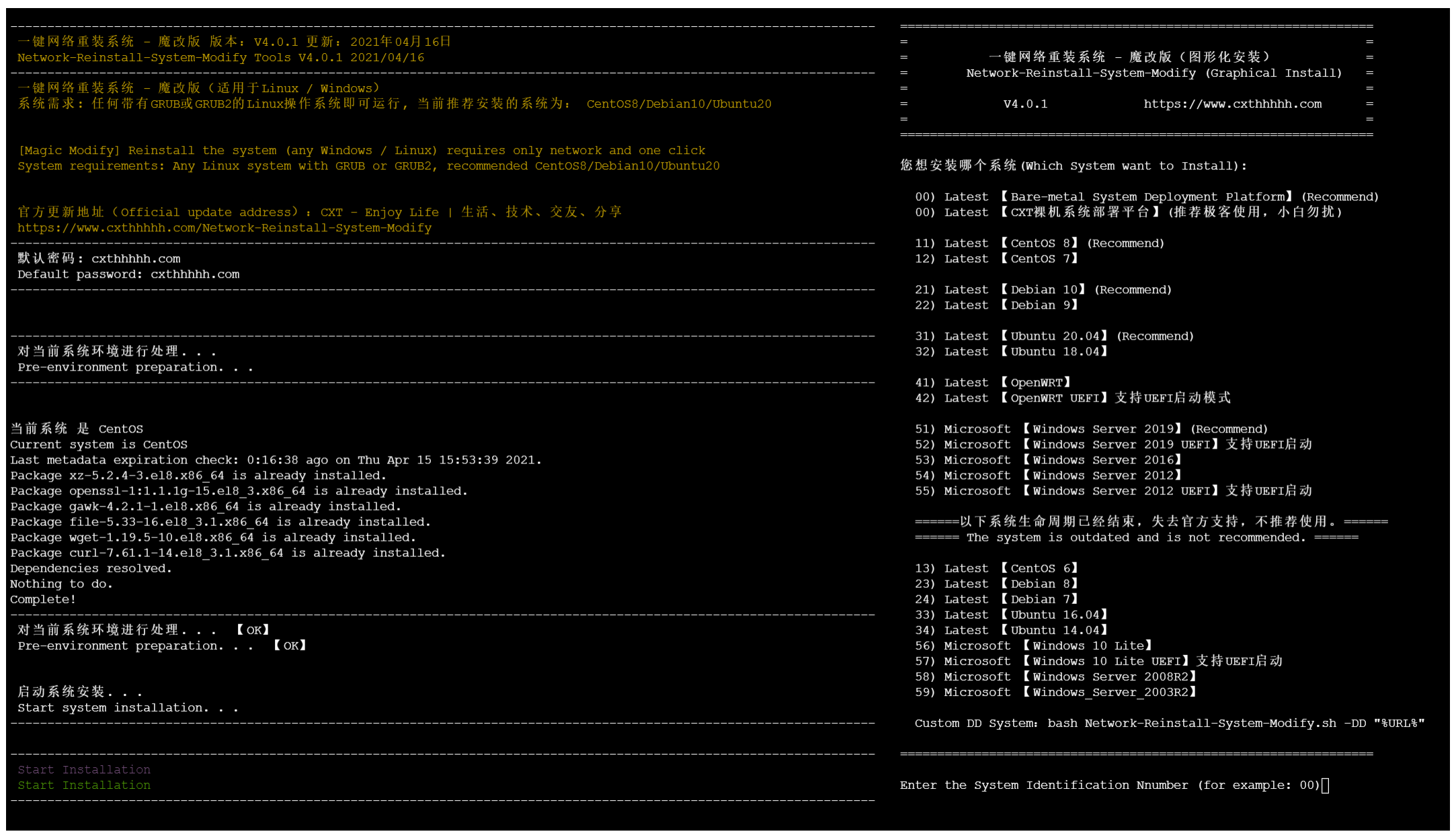
Network-Reinstall-System-Modify
It can reinstall CentOS, Debian, Ubuntu, Windows 2003, 7, 2008R2, 2012R2, 2016, 2019 and other systems (continuously added) via the Internet, and can install any system via mounting remote network ISO.
One-click Network Reinstall System – Magic Modify version, Forked from MoeClub Vicer, technical support and maintenance provided by Technical Blog | 技術博客 | CXT - Enjoy Life | 生活、技术、交友、分享 - 自天佑之,吉无不利, more features of the magic version are constantly increasing.
Realistic Demand
Why do we need to reinstall a pure system?
The system template provided by the service provider may have some built-in software, even conflicting with the software we are about to install, resulting in the installation failure.
ISO mount is not a service provided by all service providers. Some IPIM/KVM transmission speeds are too slow and installation efficiency is poor.
Linux/Windows may encounter some inexplicable errors that cannot be found in use. I believe you must have a deep understanding!
You Need To Understand
Where are the release notes and tutorials?
If you are from an English community, please click here.
https://www.cxthhhhh.com/network-reinstall-system-modify如果你来自于中文社区,请点击这里。
https://www.cxthhhhh.com/network-reinstall-system-modify
Common Problem
Here and the tutorials in my blog will cover the answers to most questions.
Q:The default password for the system installation?
A:The default password for all system installations is [cxthhhhh.com]. To prevent brute force cracking, you must change the default password immediately after installation!Q:How to connect and control my new system?
A:Due to different hardware configuration and network environment, the installation takes 15 to 60 minutes, please be patient. Once the installation is complete, you can connect via IP: 22 (Linux SSH) / IP: 3389 (Windows RDP).Q:How to manually install any system using [Bare-metal_System_Deployment_Platform]?
A:It's hard to describe the process in one sentence, so visit my blog and follow the tutorial.Q:Why isn't the content of the project stored on Github not all?
A:As we all know, Github can only upload files smaller than 100MB. However, as of January 1, 2019, all files in the entire Network-Reinstall-System-Modify project totaled more than 50GB. So I can only upload script content and smaller files, including various image files and the auxiliary platform I built will not be able to upload. But you can visit Open Disk CDN to learn more.Q:How to communicate? Feedback question?[Support language English (Recommended), Chinese (中文).]
A:You can join my Telegram channel and discussion groups for instant communication and feedback. You can also submit an Issues, but this is not immediate, but it is easy to track.
Telegram Channel:My Share
Telegram Chat Group:Technical Blog | 技術博客
End Notes
Network-Reinstall-System-Modify
Version:V4.0.8
Date:2021/04/16
CXT - Enjoy Life | 生活、技术、交友、分享 - 自天佑之,吉无不利
https://www.cxthhhhh.com/