
 Jamie Curnow
001f0cb9f6
Updated readme
Jamie Curnow
001f0cb9f6
Updated readme
|
7 years ago | |
|---|---|---|
| bin | 8 years ago | |
| manager | 8 years ago | |
| rootfs | 8 years ago | |
| .gitignore | 8 years ago | |
| Dockerfile | 8 years ago | |
| LICENSE | 8 years ago | |
| README.md | 7 years ago | |
| docker-compose.yml | 8 years ago |
README.md

Nginx Proxy Manager



This project comes as a pre-built docker image that enables you to easily forward to your websites running at home or otherwise, including free SSL, without having to know too much about Nginx or Letsencrypt.
Features
- Clean and simple interface
- Create an unlimited number of hosts and forward them to any IPv4/Port combination running HTTP
- Secure your sites with SSL and optionally force SSL
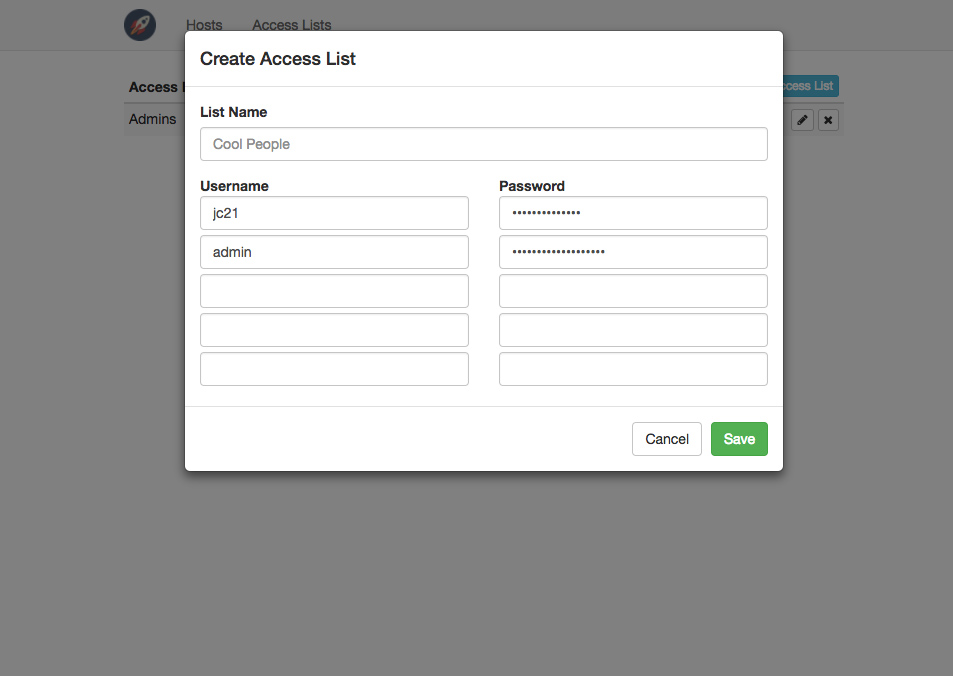
- Secure your sites with Basic HTTP Authentication Access Lists
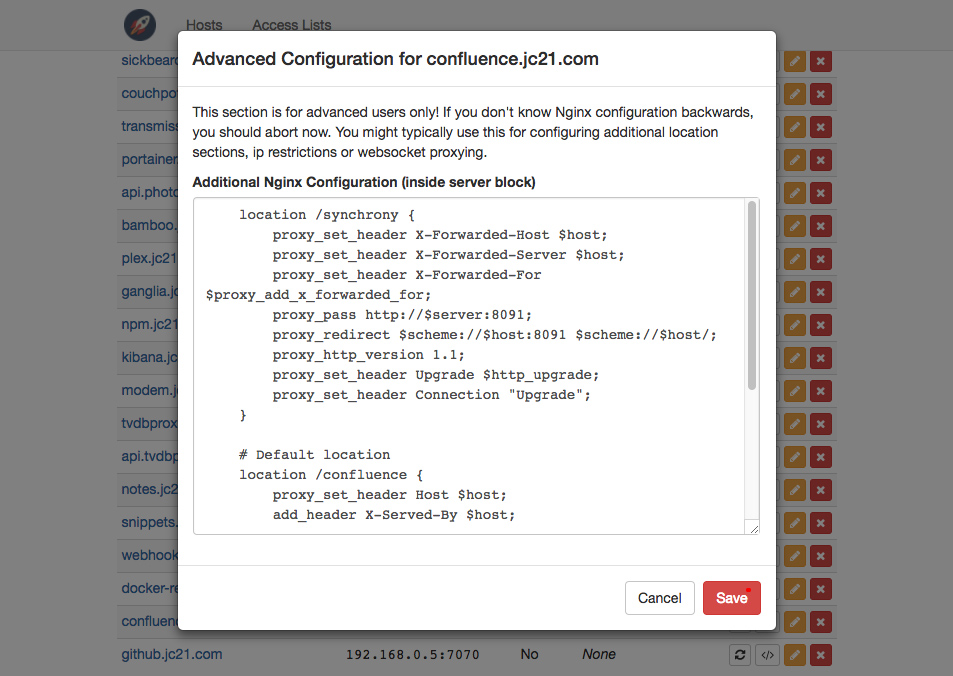
- Advanced Nginx config option for super users
- 3 domain uses:
- Proxy requests to upstream server
- Redirect requests to another domain
- Return immediate 404's
Using Rancher?
Easily start an Nginx Proxy Manager Stack by adding my template catalog.
Getting started
Method 1: Using docker-compose
By far the easiest way to get up and running. Create this docker-compose.yml
version: "2"
services:
  app:
    image: jc21/nginx-proxy-manager
    restart: always
    ports:
      - 80:80
      - 81:81
      - 443:443
    volumes:
      - ./config:/config
      - ./letsencrypt:/etc/letsencrypt
Then:
docker-compose up -d
Method 2: Using vanilla docker
docker run -d \
    -p 80:80 \
    -p 81:81 \
    -p 443:443 \
    -v /path/to/config:/config \
    -v /path/to/letsencrypt:/etc/letsencrypt \
    --restart always \
    jc21/nginx-proxy-manager
Administration
Now that your docker container is running, connect to it on port 81 for the admin interface.
There is no authentication on this interface to keep things simple. It is expected that you would not expose port 81 to the outside world.
From here, the rest should be self explanatory.
Note: Requesting SSL Certificates won't work until this project is accessible from the outside world, as explained below.
Hosting your home network
I won't go in to too much detail here but here are the basics for someone new to this self-hosted world.
- Your home router will have a Port Forwarding section somewhere. Log in and find it
- Add port forwarding for port 80 and 443 to the server hosting this project
- Configure your domain name details to point to your home, either with a static ip or a service like DuckDNS
- Use the Nginx Proxy Manager here as your gateway to forward to your other web based services
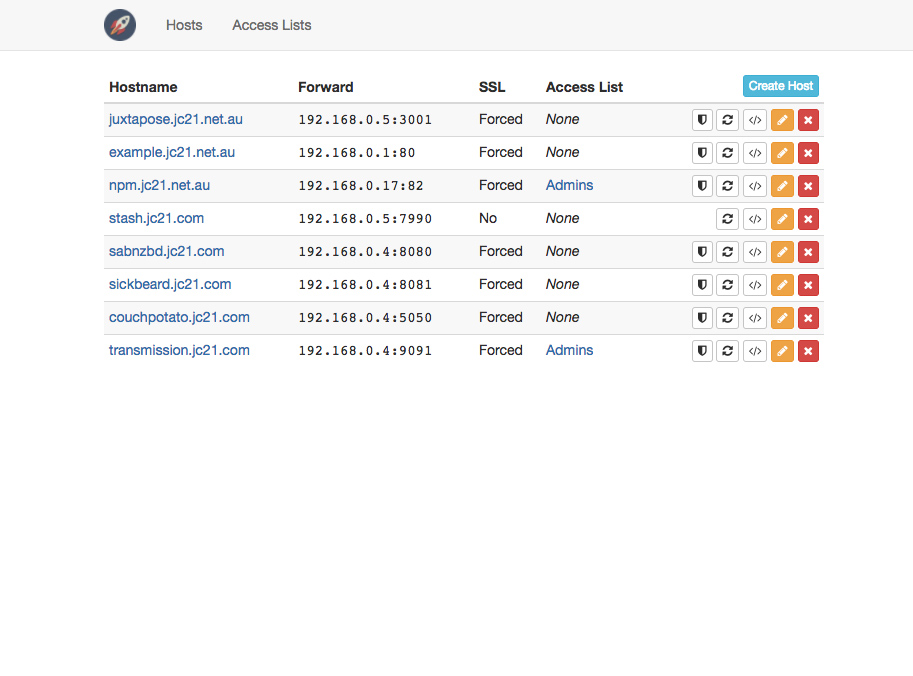
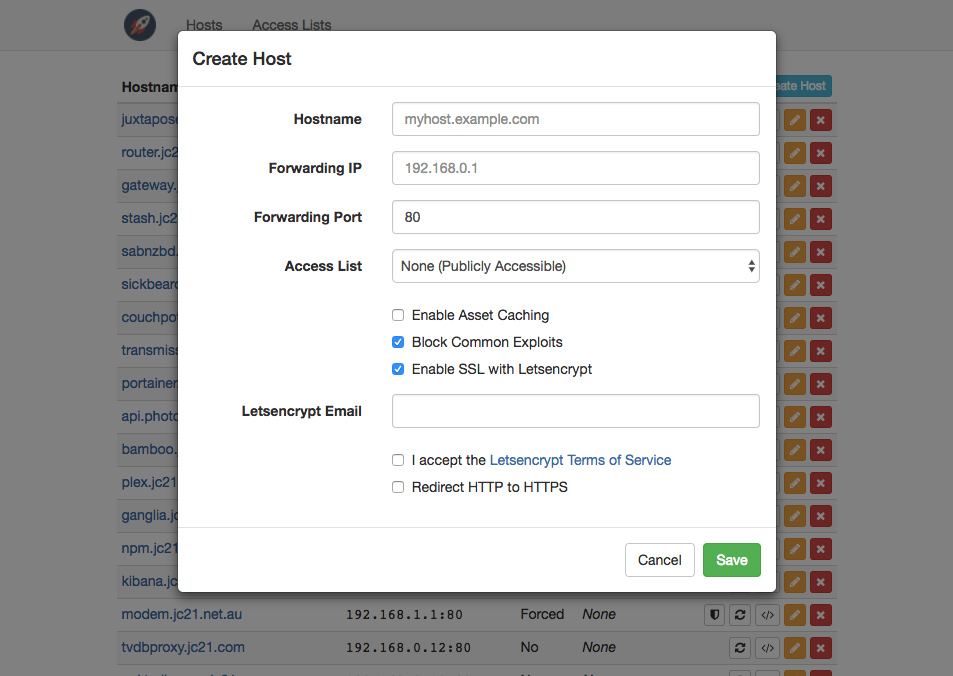
Screenshots
TODO
- Pass on human readable ssl cert errors to the ui
- UI: Allow column sorting on tables
- UI: Allow filtering hosts by types
- Advanced option to overwrite the default location block (or regex to do it automatically)
- Add nice upstream error pages